Skip to content
AgentZ Docs
Main Navigation
Home
Start Here
Knowledge
Workflow
Digital Agent
Settings
English
Tiếng Việt
English
Tiếng Việt
Appearance
Menu
Return to top
On this page
System Login
Login Steps
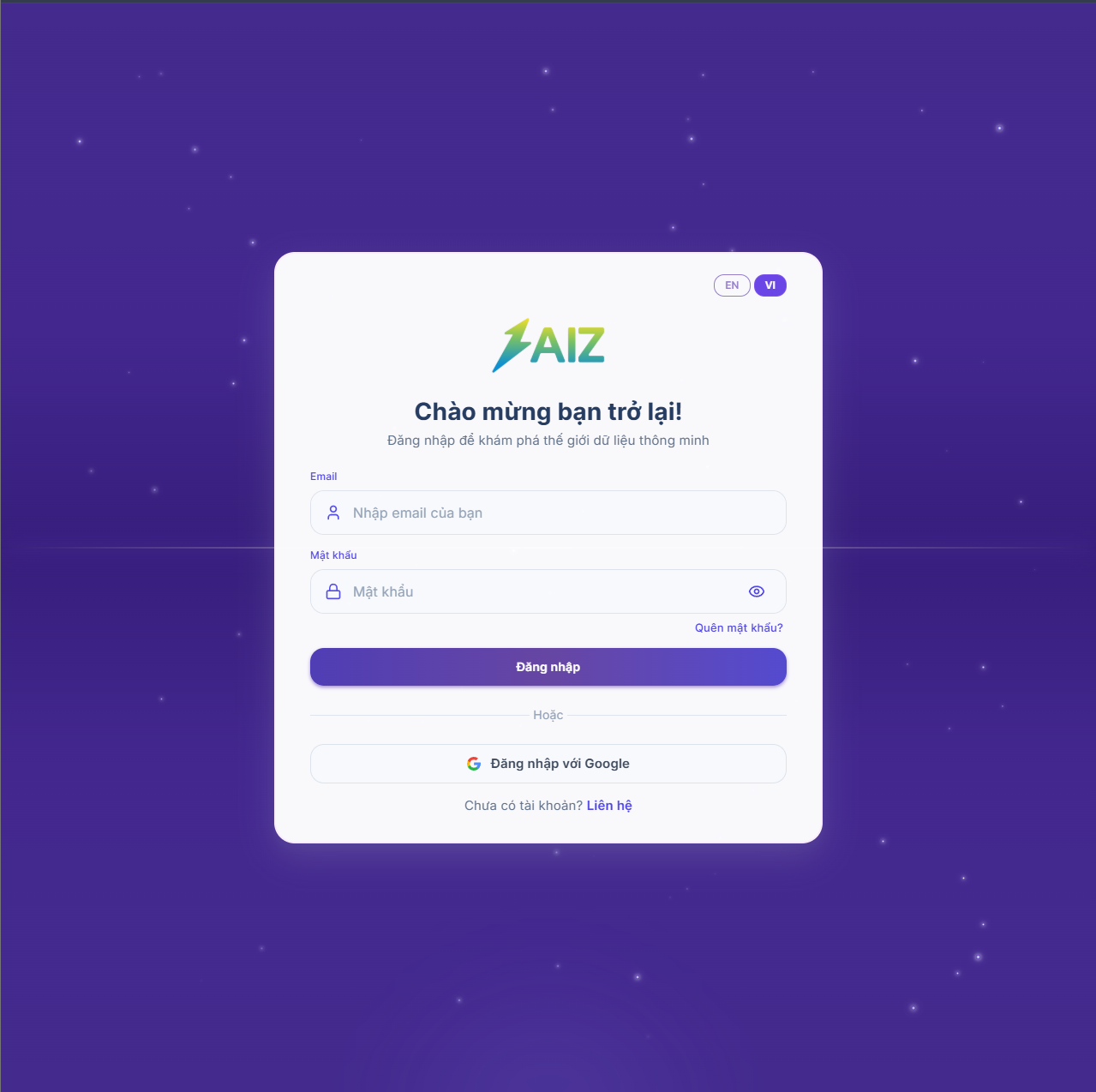
Open a web browser such as Google Chrome, Microsoft Edge, or Coc Coc.
Access the provided system URL.
Enter all required credentials: email and password.
Click
Sign in
.
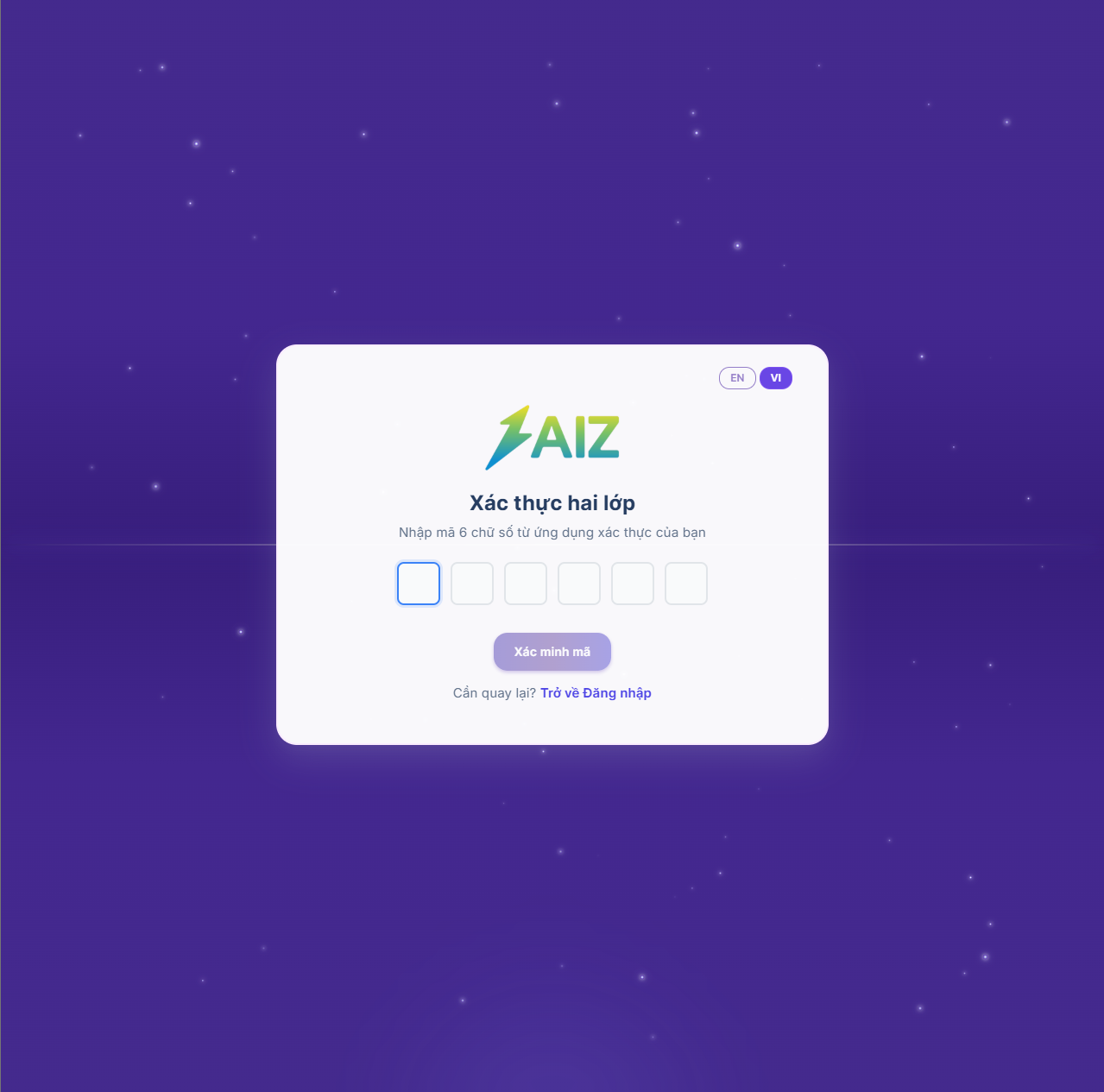
If two-factor authentication (2FA) is enabled for your account, the verification screen will appear:
Install Google Authenticator.
Get the verification code from the app.
Enter the code to continue.
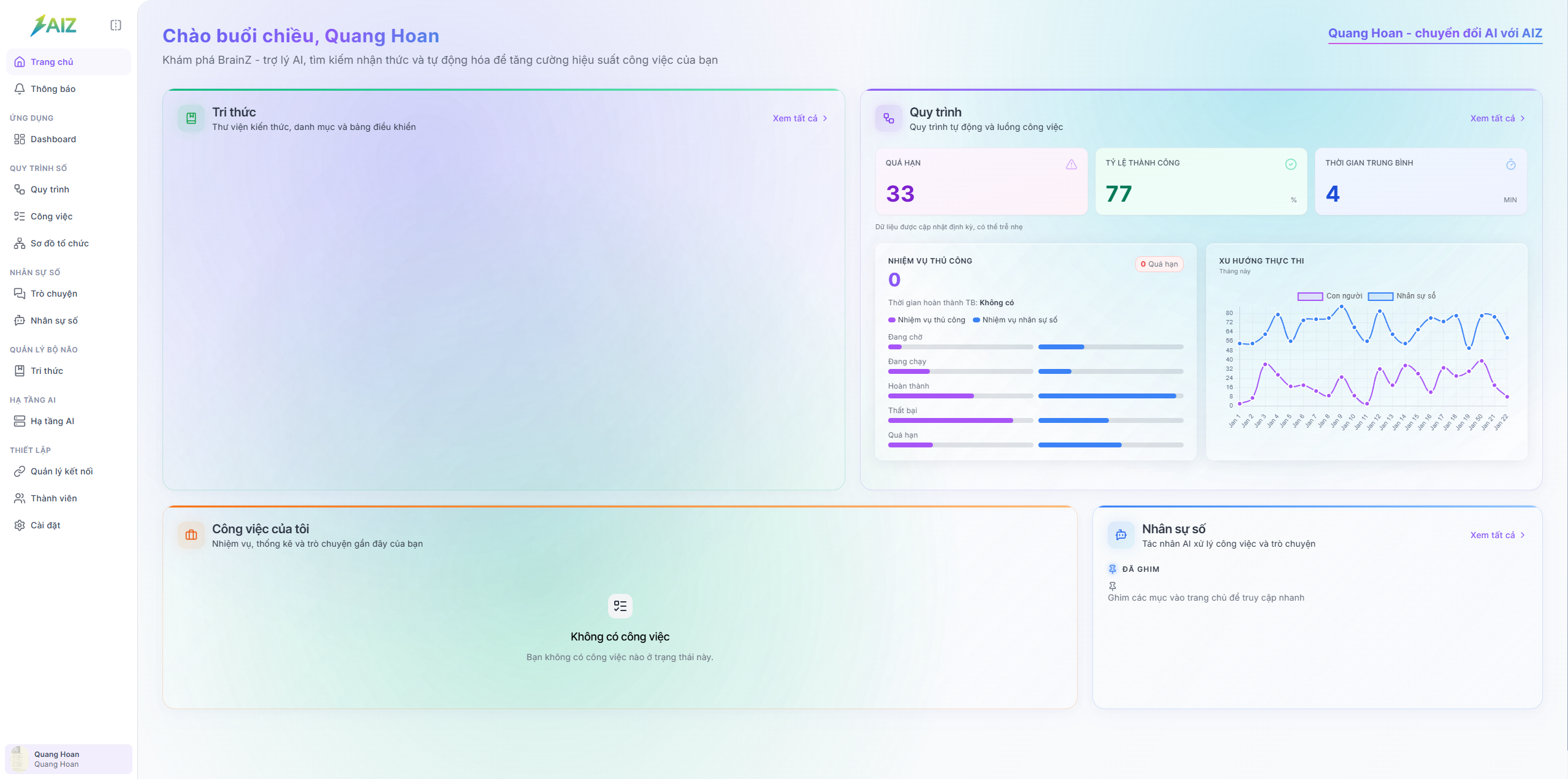
After successful authentication, the main system interface will be displayed.
Notes
Make sure the email and password are correct before signing in.
Ensure your device time is synchronized when using 2FA codes.